
Create Selection Group
You can create a selection group of components. You can handle the components in a group individually, or you can select an entire group to mirror, move, or copy at once. A selection group can include any component with 3D geometry.
You can save a selection group to the component library by creating a building group from it. You can add a selection group saved as a building group to another building. The selection group property is also retained for the building group.
Create a selection group as follows:
- Select the components in the drawing or model. Select several components by holding down the Ctrl key, or use an area selection.
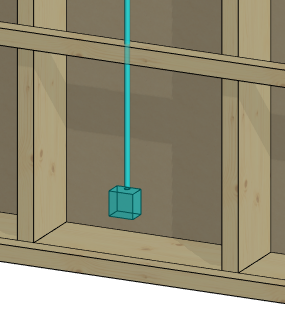
- Right-click to open the context-sensitive menu.
- Select Advanced > Create Selection Group.
- Type a name for the selection group.
After this, you can select the selection group in the drawing or model as follows:
- Select one of the components in the group.
- Click the + grip point to select the entire group.
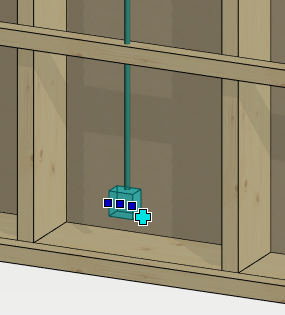
Mirror, copy or move the group.
You can view the selection groups you have created and, if necessary, rename the groups using the function Show Selection Groups.