
Update Version Changes to Custom Files
Update software version changes to custom fitted files by using the system update function.
The update function starts automatically when you have implemented the customer-specific custom folder from the previous version, and start the program. Select the version you last used from the Previous update list. The custom folder will take a moment to analyze. Finally, you will receive a list of the actions taken.
If necessary, you can also start the function by selecting System |  Update Custom.
The system update function performs the following procedures:
- Frame tool libraries of floors, ceilings and roofs
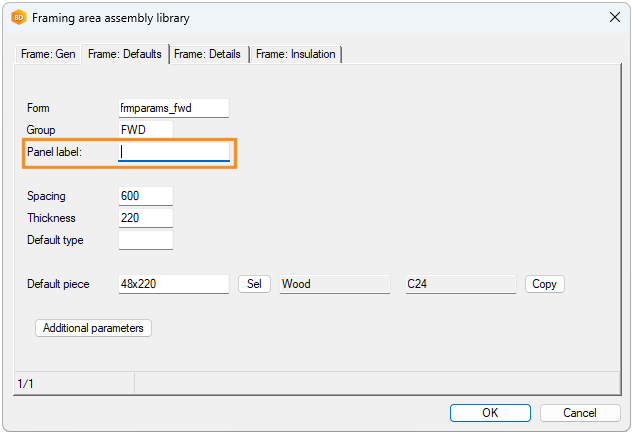
The update function adds the PANEL_LABEL field to the FRMTOOL_FRAMING database of frame tool libraries for customer-specific floors, ceilings, and roofs. It is possible to enter a prefix for the panel label in the field. If the value is empty, the prefix is read from the system settings as before.
- Cladding tool library
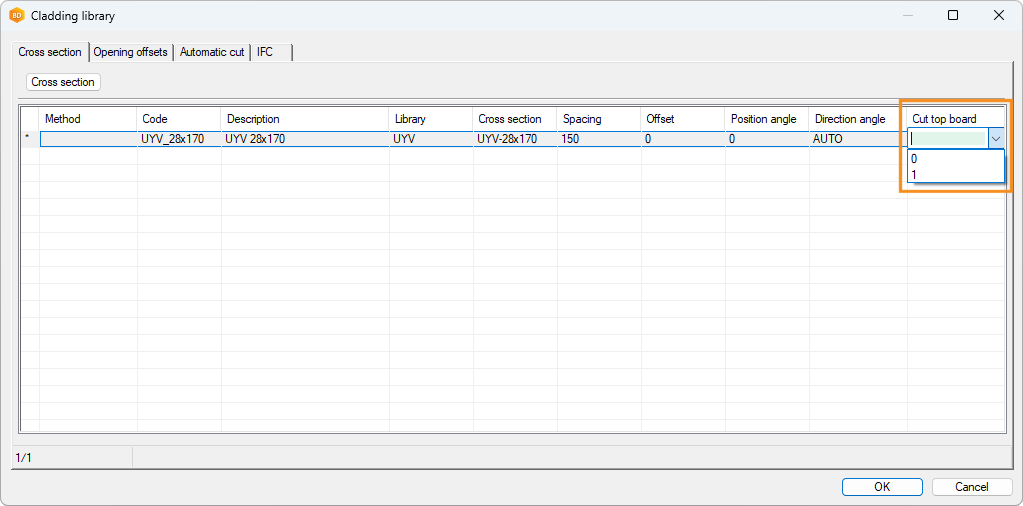
The update function adds the CUT_TOP_BOARD field to the customer-specific cladding tool library database FRMTOOL_CLADDING.
- Profile libraries
The update function removes the unnecessary IFC folder from the customer-specific profile library folder custom/complibs/_proflib/[profile library name]. The folder is related to the old implementation of IFC property sets, which is no longer in use.
- Opening trim library
The update function changes the length of the NAME_3DACC field in the OPTRIM_SET database of the customer-specific opening trim library (custom/complibs/optrims_custom). The new length is 60 characters. If the field is already longer than 60 characters, the length is not changed.
- Building group library
The update function changes the customer-specific building group library (custom/complibs/bldgmod_custom) to type "building_component_group". The type was previously "macro".
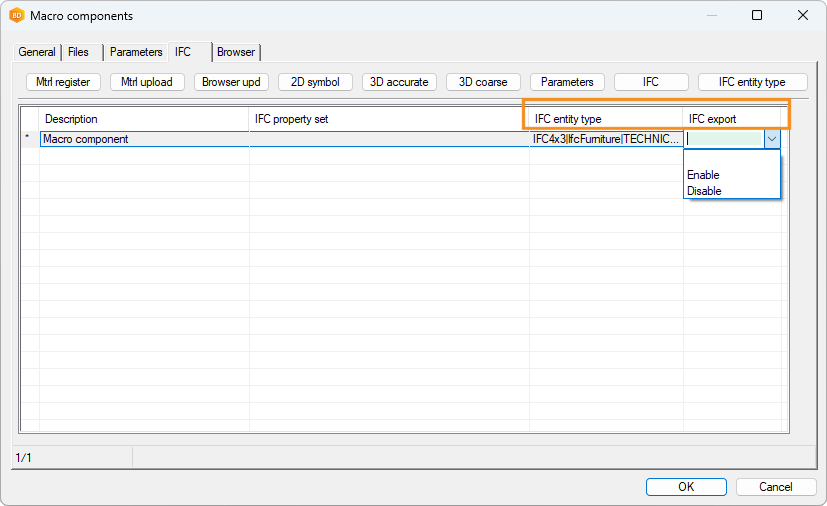
- Component library changes related to IFC exportThe update function adds the fields IFC_DISABLE and IFC_ENTITY_TYPE to the databases of customer-specific macro component and hanger libraries.
- IFC_DISABLE - You can prevent or allow the export of a component to an IFC file.
- IFC_ENTITY_TYPE - You can set the default entity and type (PredefinedType) for the component.
- Rooms
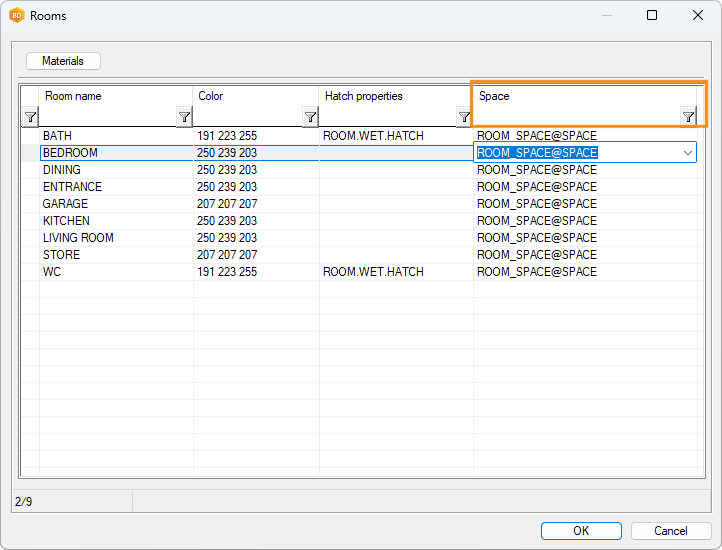
The update function adds the SPACE field to the ROOMS database of the customer-specific room library. It is possible to define a default space for a room in the field. The space is selected from the space library.
- Space library
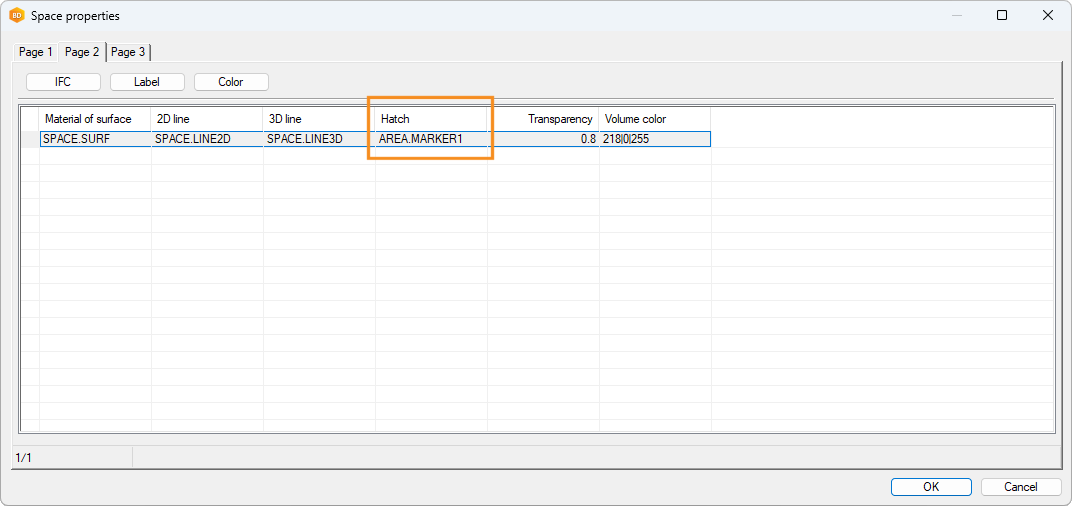
The update function adds the HATCH2D field to the SPACE database of the customer-specific space library. It is possible to enter a hatch name defined in the system settings in the field.
- Thumbnails of building components
The update function converts building component thumbnails from bmp and jpg formats to png format, which is a smaller file format.
- Building browser and Vertex Sync
The update function updates the custom/setup/browserdef.xml file, which is used to configure the building browser when the user is logged in to the Sync service. The function renames the CLASS field to LABELS. The field displays the label assigned to the building.