
Create a Shell Model from an Imported File
General
- You can create a light model (shell model) from an imported part model or assembly.
Steps
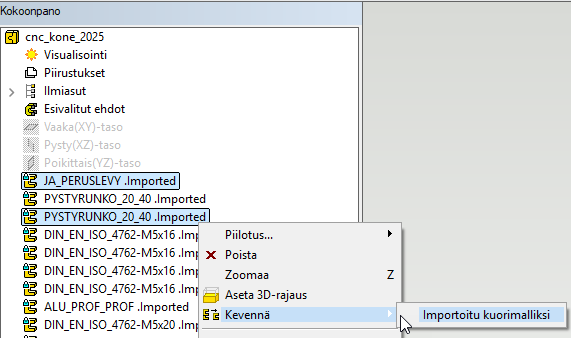
- Part: Select the name of the imported part and right-click to select Lighten > Imported to shell model.
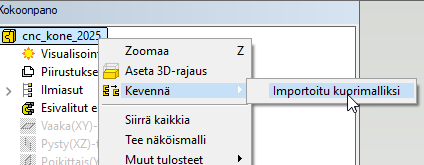
- Assembly: You can make the assembly completely lightened or select parts.
Note:
- All possible ACIS errors are eliminated because ACIS geometry is also absent and only surfaces remain.
- The original situation can only be restored by using the Undo function (if available).