
Check the Area of a Floor or Ceiling
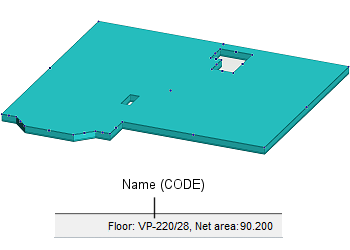
When you select a floor, intermediate floor, or a ceiling in the floor plan or model, its area information is displayed in the status bar.
- Net area - The area of the frame layer of the structure, minus the area of openings.
You can select multiple structures with the same name to display their total area in the status bar.
Note: By pressing Ctrl+A you can select all structures of the same object type. This selection method does not distinguish objects by structure name. The selection may contain structures with different names, in which case the area will not be displayed in the status bar.