
Set Hatch Origin (2D)
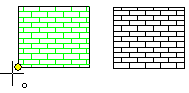
Click the new zero point to the added hatch, where the hatch starts.
- Select Drafting |
 Hatch >
  Set hatch origin.
 - Set the position of the origin – the starting point for the hatch.
- Select Confirm.
Setting the Origin in the Hatch Dialog Box
Click a position for the origin.
- In the 2D drawing
- In the model drawing, section view
As an example - 2D drawing
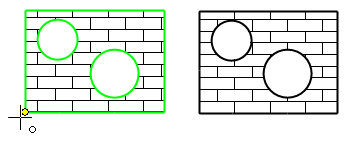
Example: model drawing
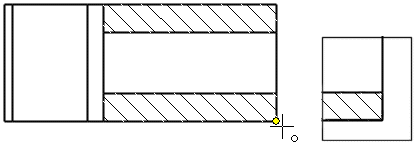
- Do either of the following:
- Double-click the hatch.
- Select the hatch, and select the contextual toolbar function
 Properties.
- In the dialog box, click Origin.
- Set the position of the origin – the starting point for the hatch.
- Select Confirm.