
Find the Library Folder Name on Disk
When you want to open a drawing or model file of a component in your own component library for editing in the Vertex window, you need to know the name of the library folder. Your own component libraries are located in the custom/complibs folder.
First, find out which library the component is stored in. For example, you can find out the library description of a component you want to add from the building component browser by hovering over the component thumbnail.
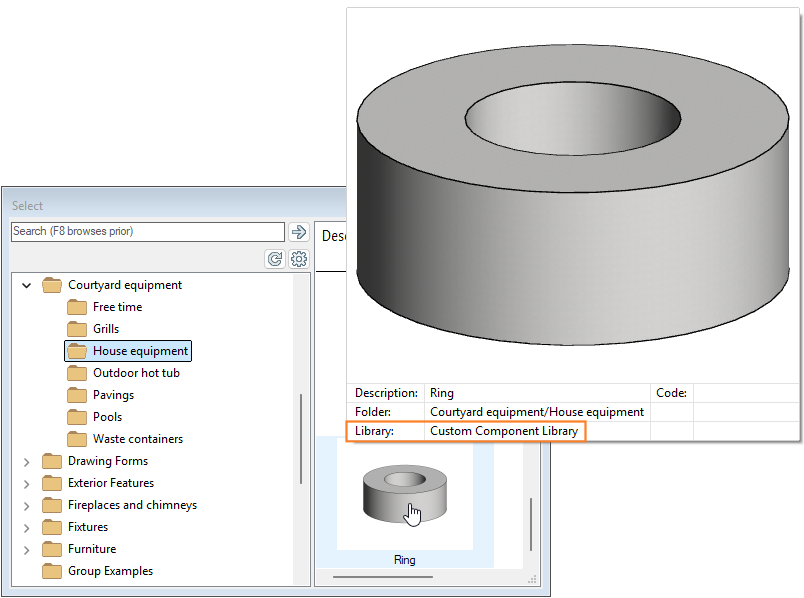
You can search for a library in the library browser using the description.
Once you have found the right library, you can find out the name of the library folder as follows:
- Open the library browser by selecting System | Libraries |
 Libraries.
 - Open the main folder Custom libraries and the desired subfolder.
- Select a library in the left-hand browser pane.
- Right-click to open the context-sensitive menu.
- Select Properties. The name of the library folder appears in the title bar of the dialog box.

Your own component libraries are located in the custom/complibs folder.