
MBD Projection Settings
General
- This dialog defines the basic projection settings and the annotations to be included in 2D exports. The dialog allows you to control the view direction, presentation, scale, and export of MBD annotations and screen space annotations.
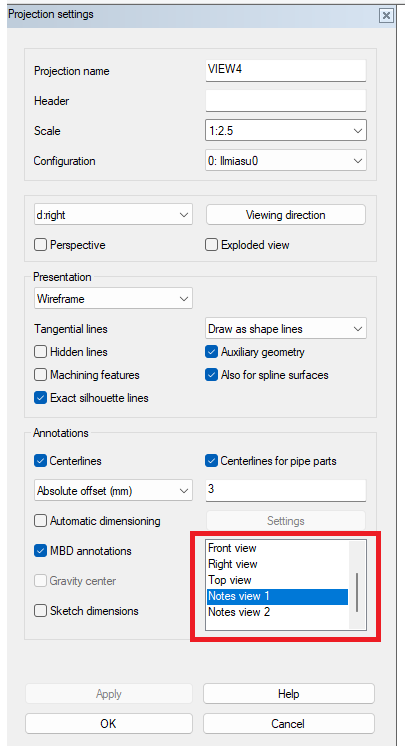
- Add screen space annotations to 2D projections by adding their annotation views in the project settings:
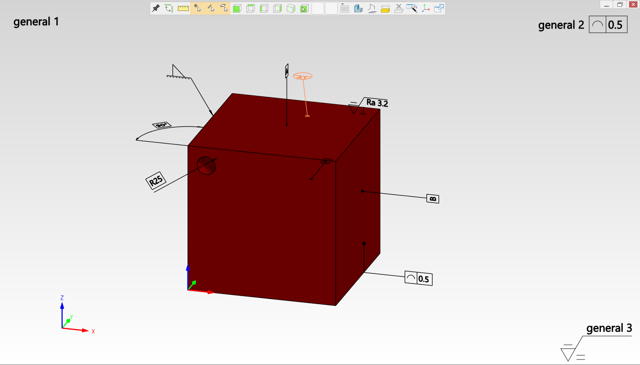
Screen space annotations in 3D.
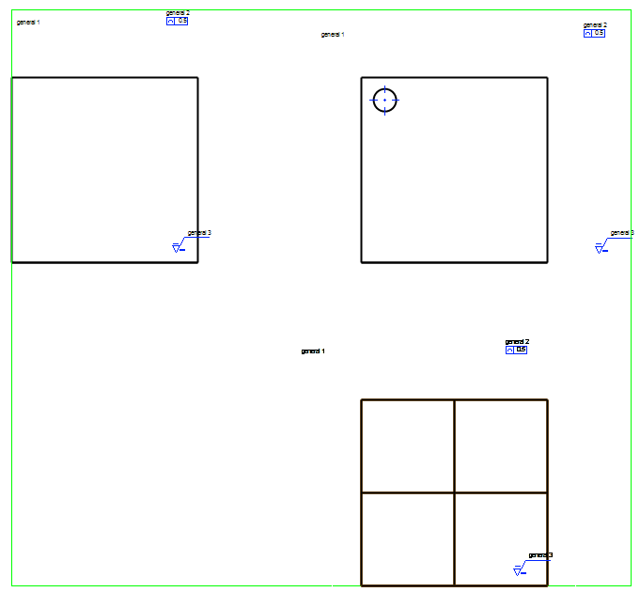
Screen space annotations are added based on the projection boundaries so that they correspond as closely as possible to their location in the 3D model. Annotations can be moved normally, and they retain their location after being moved.
Screen space annotations in 2D
Add notes to screen space
Screen space annotations can be found on the ribbon under the button. Notes can also be added as screen space annotations.
