MBD Rules and Notes
General
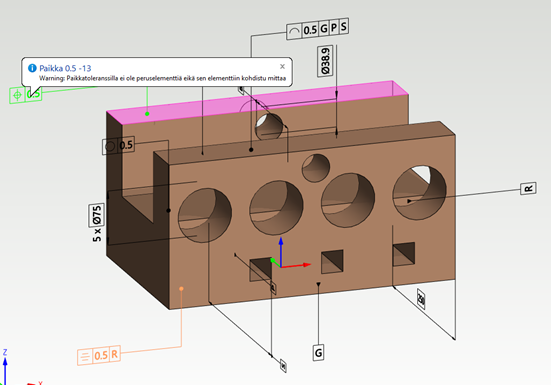
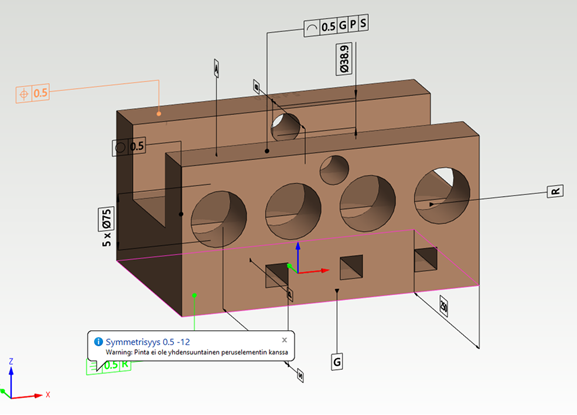
- Location tolerances always require a dimension, otherwise there will be a warning. The same applies to symmetry.
Examples of warnings
- Location tolerance, basic element and dimension:
- Symmetry warning:
Non-MBD features utilizing MBD functions
Error colors:
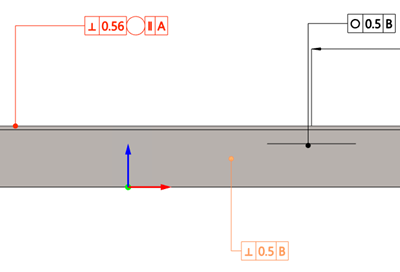
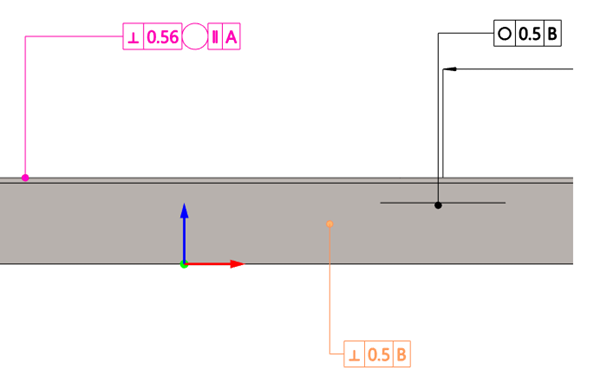
- By default, validation errors are represented by colors in both the model and the model tree.
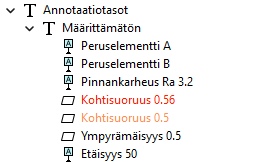
-
When you hover over a markup in the model or tree, a tip appears that includes errors and/or warnings.
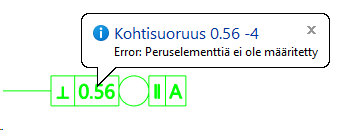
-
By default, errors are colored red and warnings are colored orange. However, these colors can be changed in the system settings:
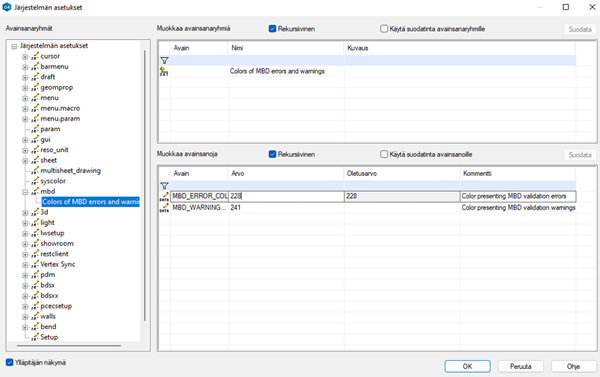
Element restrictions
- In annotation input instructions, you cannot select layers.
- The following geometric tolerances are invalid for specific surface shapes:
- Plane
-
circularity
-
cylindricity
-
concentricity
Cylinder
-
flatness
-
symmetry
-
straightness
-
flatness
-
cylindricity
-
parallelism
-
perpendicularity
-
angularity
-
symmetry
-
total runout
-
All shapes
-
- Otherwise all except the following are disabled (e.g. torus, or spline surface):
-
Profile of line
-
Profile of surface
-
This makes it impossible to e.g. model a very large spherical surface and say that it is a plane within a tolerance.
-
- Plane
Error checking rules
-
Checks that the datums assigned to the geometric tolerance exist.
-
Enabled for all geometric tolerances that have datums assigned.
-
Checks that at least one datum has been assigned to the geometric tolerance.
-
Enabled for all orientation tolerances: parallelism, perpendicularity and angularity.
-
Checks that the datum normal is parallel with the mbd element normal.
-
Enabled for parallelism geometric tolerance.
-
Checks that the datum normal is perpendicular to the mbd element normal.
-
Enabled for perpendicularity geometric tolerance.
-
Checks that all of the datums are of valid shape for concentricity.
-
Checks that the datum center axis is aligned with the center axis of the mbd elements.
-
Enabled for centric geometric tolerances.
Input checks
Duplicate datums
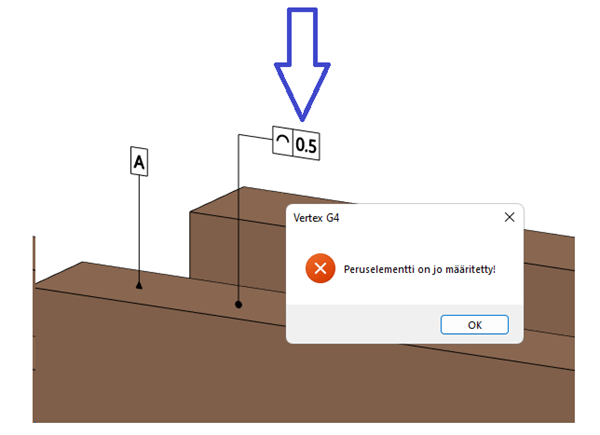
Duplicate datums on a single element are not allowed directly or indirectly. Adding a datum to e.g. a geometric tolerance acts the same as adding a datum to the surface the geometric tolerance is connected to. The program gives an error in such cases.