Adding MBD General Tolerance to the Model
General
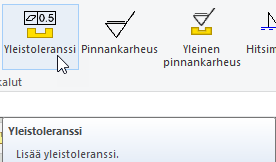
- Add a general tolerance
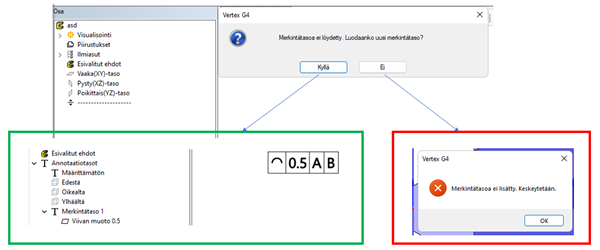
When adding the first general tolerance / surface mark to the screen area, the program asks about creating a notes view if there is no notes view. Such markings require the existence of a notes view.
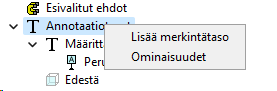
Notes views can also be created via the tree:
General tolerances created on notes views can be renamed:

The same menu also contains functions for hiding, deleting, moving and editing markings. The same functions specific to normal text directly from the model area have not been implemented at this stage, because general tolerances drawn in the model area could otherwise interfere with modeling.
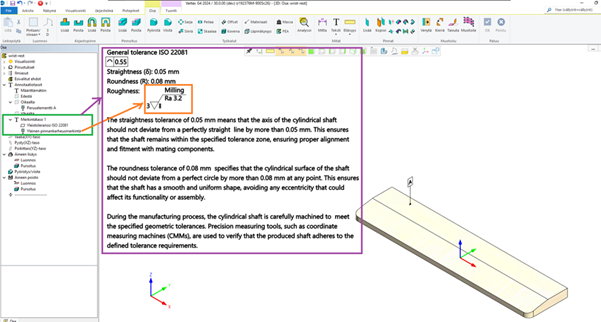
Multiple markings can be added to the same view and positioned using the move function to create more comprehensive markings:
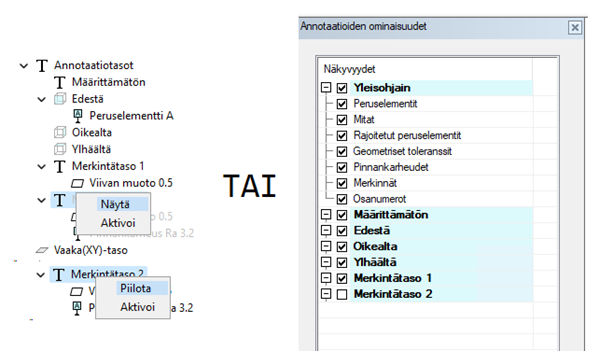
The visibility of notes views (and other annotation views) can now also be controlled via the tree and properties dialog (note that the hide/show function is not available if an annotation view is already active):