
Connect or Disconnect Panels
Framer
You can use this function to connect panels to a panel assembly. You can also use this function to disconnect panels from a panel assembly. The panels can be wall, floor, ceiling, roof or beam panels or frame lines.
Note: A panel can only belong to one panel assembly at a time. The program does not allow you to select a panel that is already connected to another panel assembly.
- Select the panel assembly. Select the assembly label in the floor plan or in the object tree. The panels that belong to the assembly are highlighted in color.
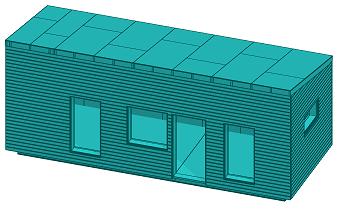
- Select Panel assembly | Panel |
 Connect/Disconnect.
 - Select the panels to be connected or disconnected. Select the panel label in the floor plan, or click one of the panel parts in the model.
The panel to be connected is highlighted in color, the color is removed from the panel to be disconnected.
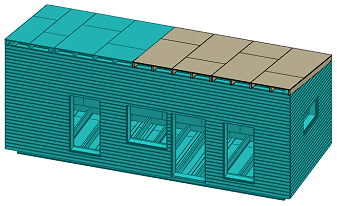
- Select Confirm.
Note: If the assembly consists of beam panels or frame lines, you can select the assembly in the model by clicking one part and then clicking  on the mini-toolbar. The function selects the entire assembly.
on the mini-toolbar. The function selects the entire assembly.